Page essentials
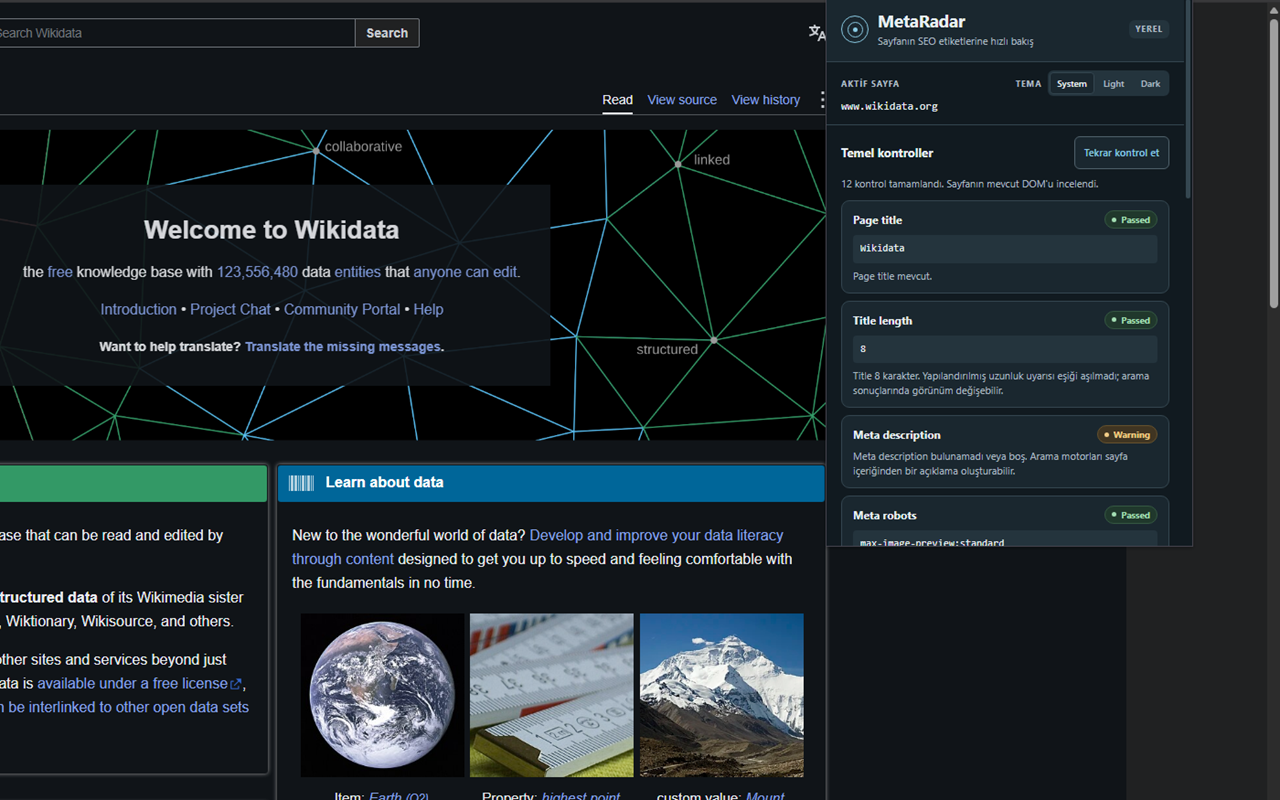
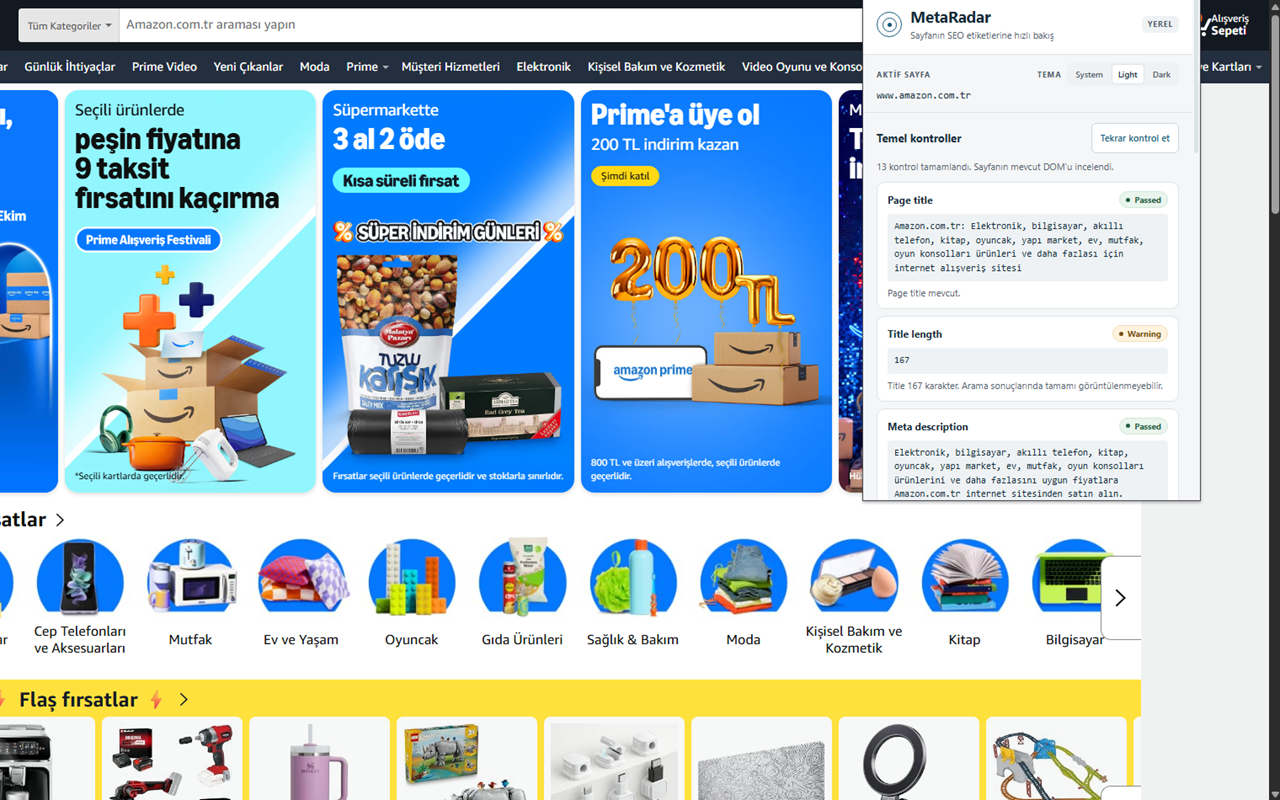
Page title, meta description and H1.
 MetaRadar
Inspect essential on-page SEO metadata directly in your browser.
Fast, local inspection of page metadata with no backend, tracking or external API.
Version 1.0.0 Manifest V3
The essentials, in one popup.
Page title, meta description and H1.
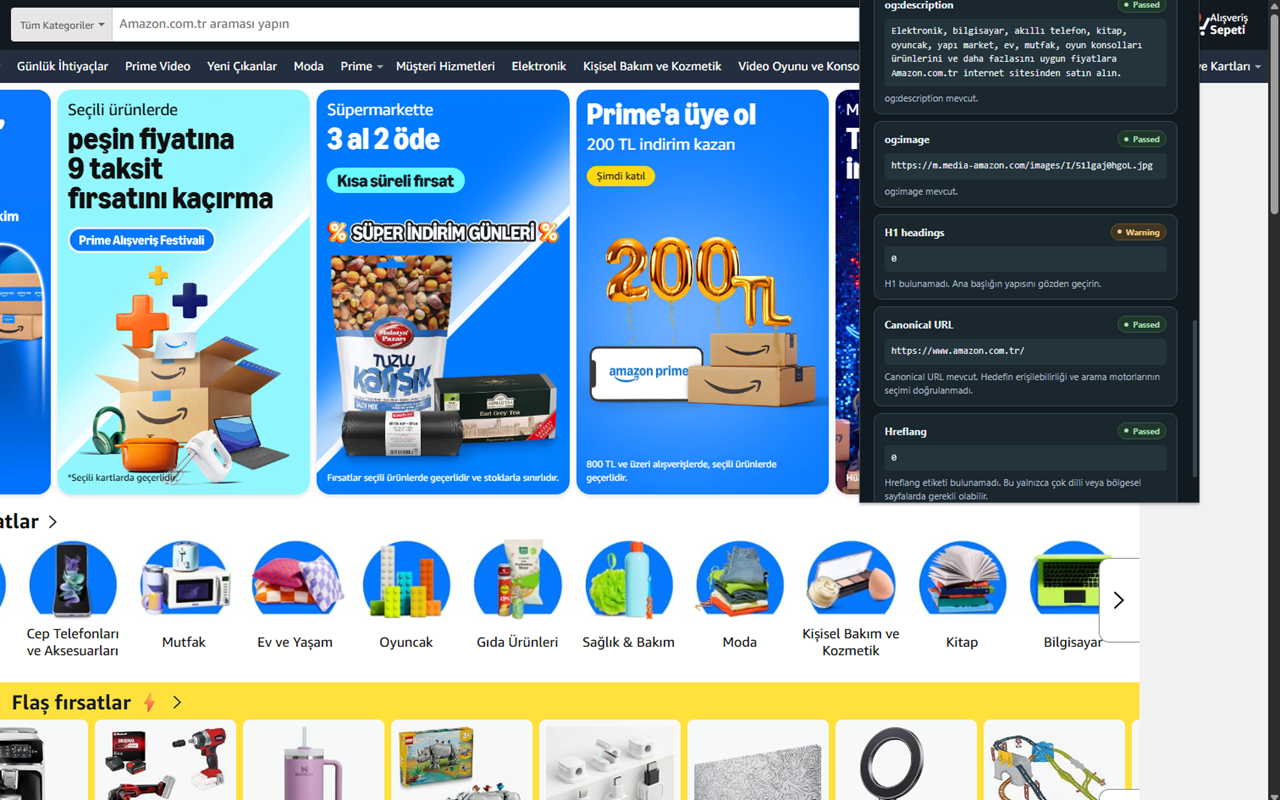
Canonical links and meta robots directives.
The page’s HTML lang attribute.
Images with missing alt attributes.
Open Graph metadata and hreflang links.
Passed, Warning and Error labels. System, Light and Dark themes.
Your page data stays on your device.
Page checks run in your browser.
No analytics or telemetry.
No accounts or server uploads.
No requests to third-party services.
Page data and inspection results are not persisted.
Only the theme preference is stored locally.
A direct path from page to results.
Vanilla HTML, CSS and JavaScript.
No framework, runtime dependencies or build step.
Real page inspections in Chrome. Select an image to view it at full size.
Three permissions for a focused tool.
chrome://extensions.manifest.json.